
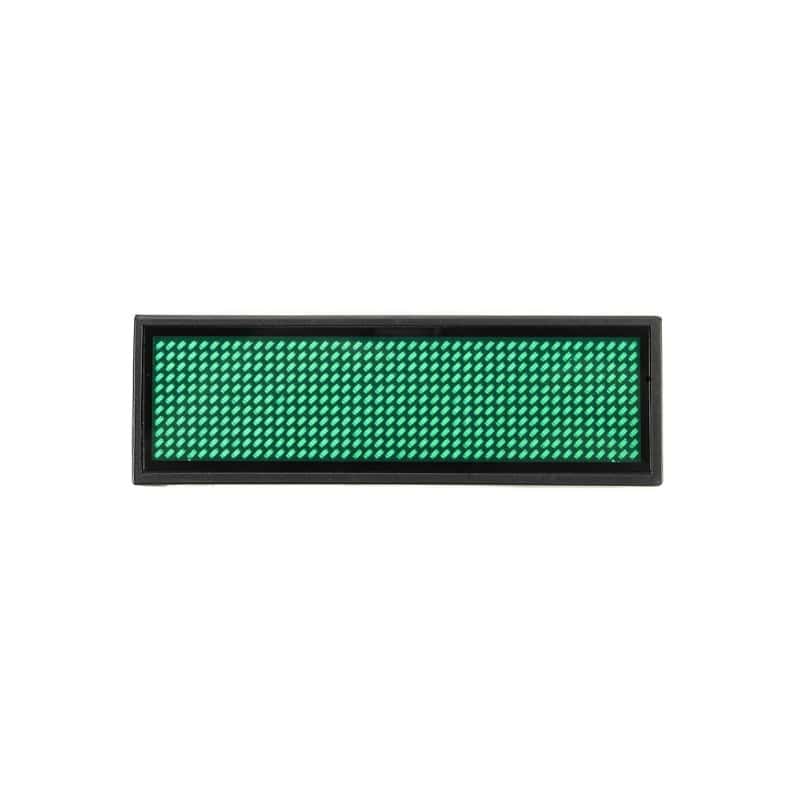
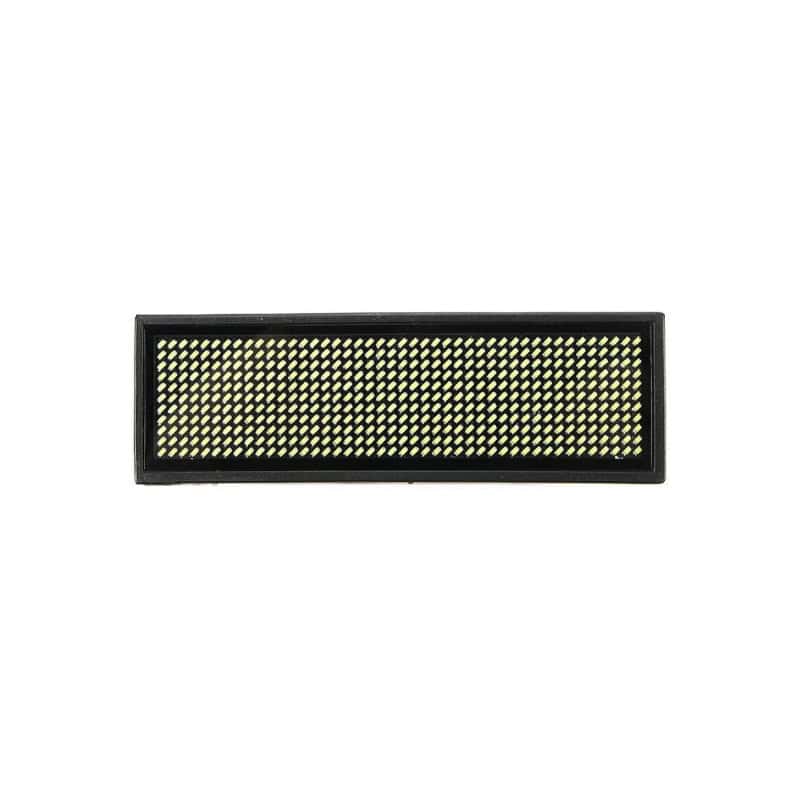
Programmable Rechargeable LED Name Tag Badge
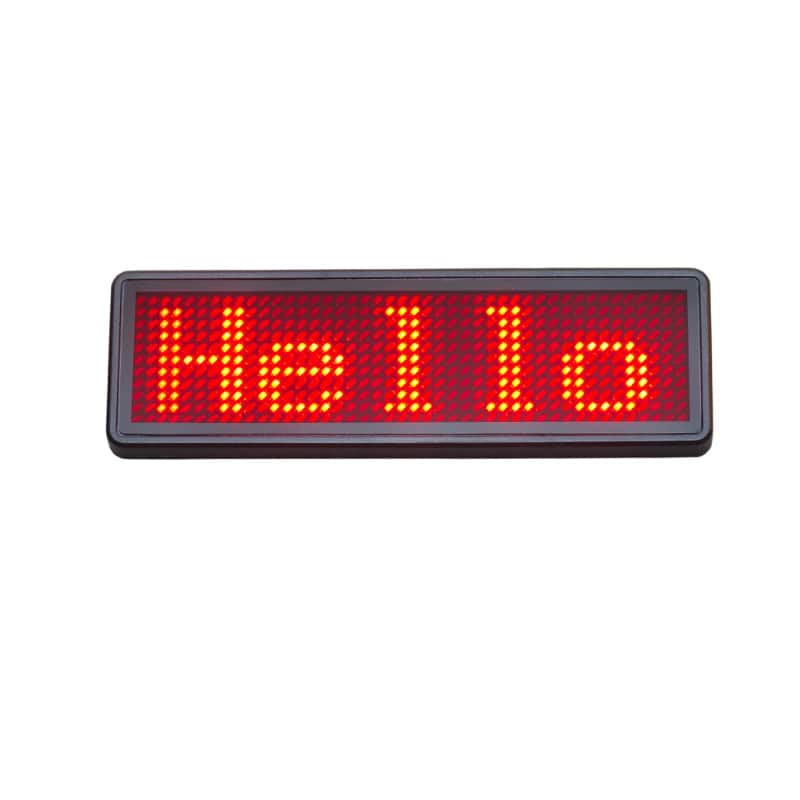
Display your name, business information, promotional messages or custom text with this rechargeable programmable LED Name Tag Badge. Ideal for trade shows, conferences, retail stores, restaurants, exhibitions and promotional events, the bright scrolling LED display helps attract attention while presenting a professional appearance.
Why Choose This LED Badge?
- Quickly create and update custom scrolling messages
- Available with Bluetooth smartphone programming or USB computer programming
- Rechargeable design with long battery life
- Modern USB-C charging and programming connection
- Bright, highly visible LED display
- Ideal for business, retail and promotional applications
Available in both Bluetooth and USB programmable versions, the badge supports multiple display modes, adjustable brightness settings and rechargeable operation. Every badge features a USB-C connection and includes a USB-C programming and charging cable.
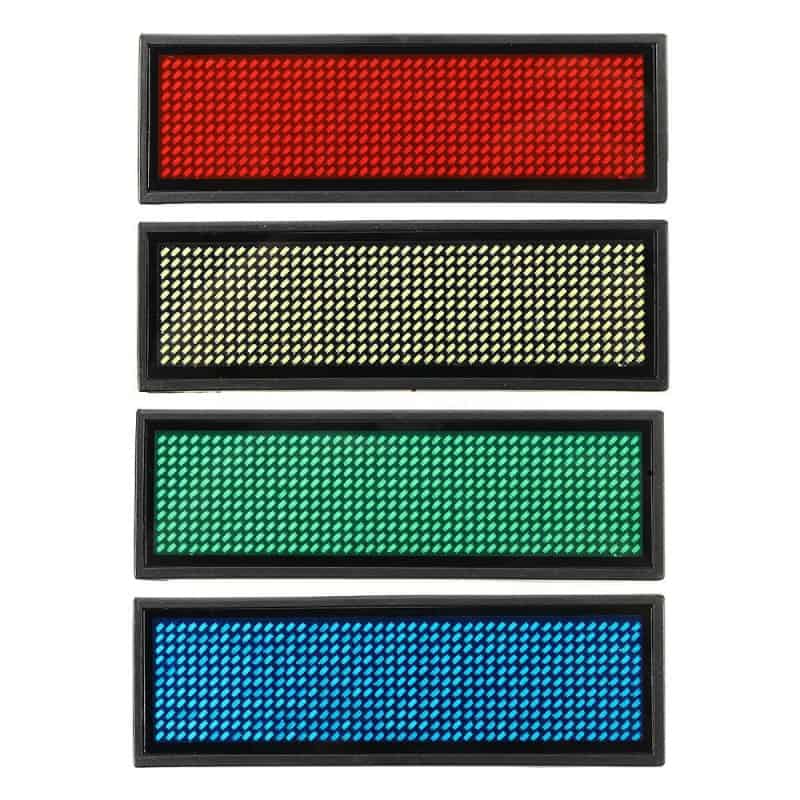
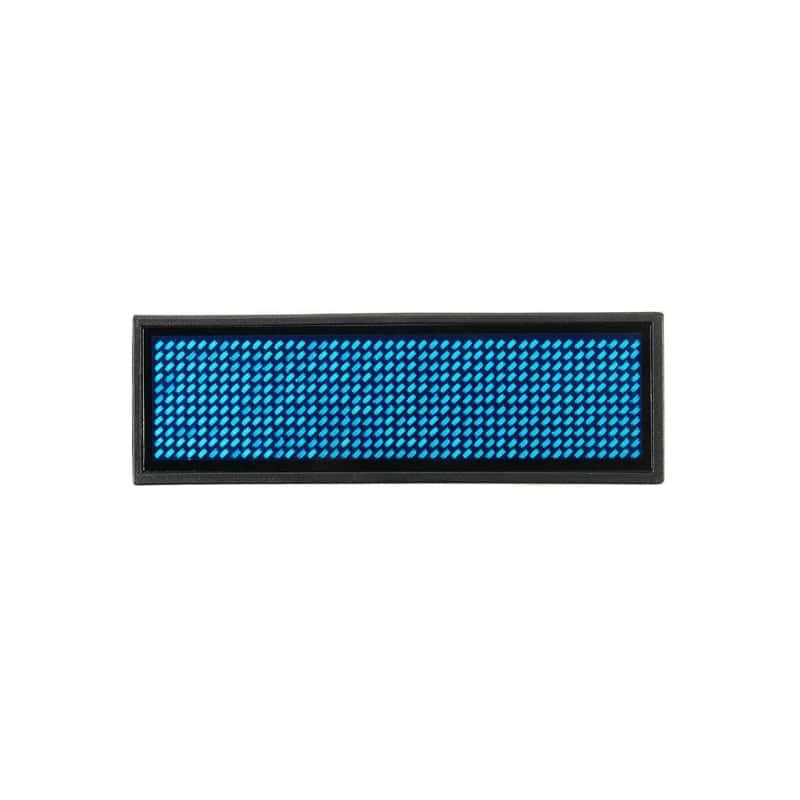
Available LED Colours: Red, Green, Blue and Yellow.
Features
- Available in Bluetooth and USB programmable versions
- Bright LED scrolling message display
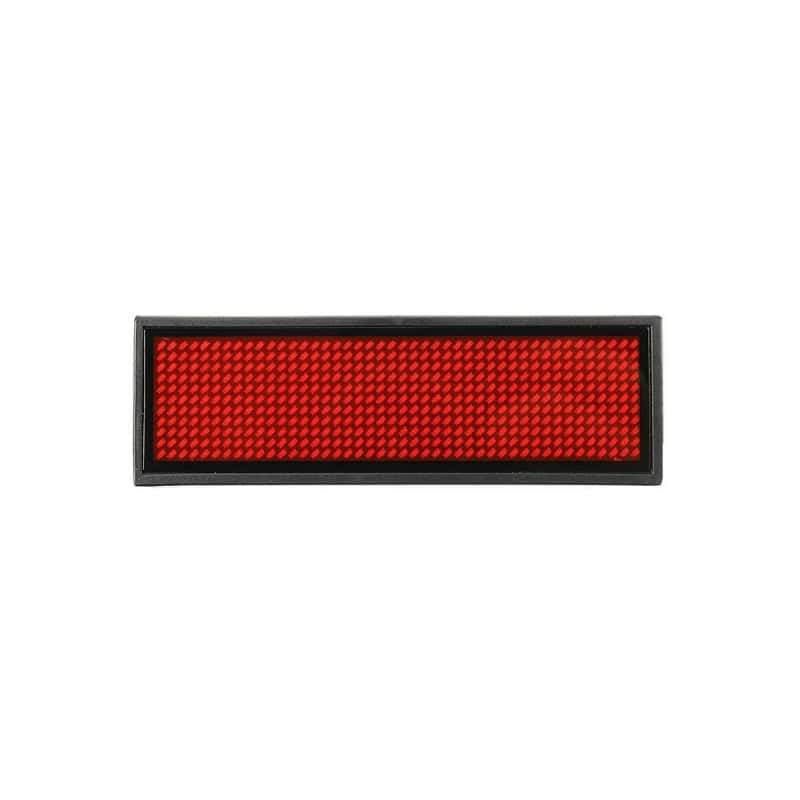
- 44x11 LED dot matrix display
- USB-C charging and programming connection
- USB-C programming cable included
- Create custom names, advertisements and messages
- Rechargeable lithium battery
- Multiple brightness adjustment levels
- Multiple display effects including scrolling, flashing and fixed text
- Supports multiple languages
- Store up to 8 programmable messages
- Compact lightweight design
- Magnetic and safety pin attachment methods
- Suitable for indoor business and promotional applications
Programming Options
- Bluetooth Version - Program the badge from compatible Android devices using the Bluetooth LED Name Badge app or from a Windows PC.
- USB Programmable Version - Program the badge from a Windows computer using the included USB-C programming cable and compatible software.
Both versions include a rechargeable lithium battery, USB-C charging/programming port and USB-C programming cable.
Ideal Applications
- Trade Shows
- Conferences
- Retail Stores
- Restaurants
- Hotels
- Promotional Events
- Product Demonstrations
- Nightclubs and Entertainment Venues
- Staff Identification
- Advertising and Marketing
Quick Start Guide
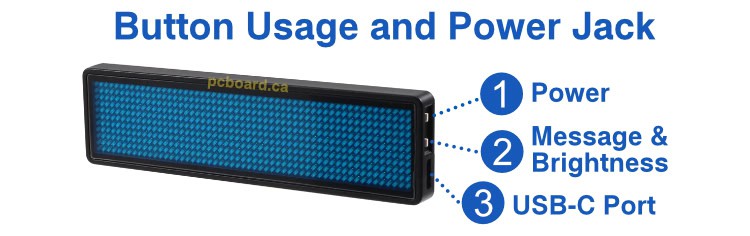
Figure 1. Side view of the LED Name Badge showing: 1 = Top Button, 2 = Bottom Button, 3 = USB-C Charging and Programming Port.
Control Identification
- 1 - Top Button: Power control and Bluetooth pairing functions.
- 2 - Bottom Button: Message selection, message cycle mode and brightness control.
- 3 - USB-C Port: Used for charging the badge and programming via a computer.
USB Programmable Model
- Connect the included USB-C cable to Port 3 and fully charge the badge.
- Press Button 1 once to turn the display on.
- Press Button 2 to select stored messages from memory slots 1 through 8. After reaching memory slot 8, press Button 2 again to enable automatic message cycling through all enabled messages.
- Press and hold Button 2 for approximately 2 seconds to adjust brightness. Select from Super Bright, Bright, Medium or Low brightness levels.
- Press Button 1 again to turn the display off.
Bluetooth Model
- Connect the included USB-C cable to Port 3 and fully charge the badge.
- Press Button 1 once to turn the badge on.
- Press Button 1 a second time to place the badge into Bluetooth pairing mode.
- Use the Bluetooth LED Name Badge application on your Android device to connect and program the badge.
- Press Button 2 to select stored messages from memory slots 1 through 8. After reaching memory slot 8, press Button 2 again to enable automatic message cycling through all enabled messages.
- Press and hold Button 2 for approximately 2 seconds to adjust brightness. Select from Super Bright, Bright, Medium or Low brightness levels.
- Press Button 1 again to turn the badge off.
Software
Several software options are available for programming messages to your LED Name Badge. Software download links for Windows applications are available exclusively to customers of PCBoard.ca.
Please contact us with your purchase information and we will provide the appropriate software download links for your badge model.
If you are aware of alternative software that works with these programmable LED badges, we would appreciate hearing from you. Please contact us so we can evaluate additional solutions and share compatible options with other customers.
| Software | Description |
|---|---|
| BMP Badge LED v9.18 (Windows Software) |
Our preferred Windows programming software. Similar to Mini LED Display but includes additional features and support for more fonts. Requires a wired USB-C connection to the badge using the included programming cable. Download the User Guide . Tested and confirmed working with Windows 11. |
| Mini LED Display v9.36 (Windows Software) |
Extract the files from the ZIP archive and run LED Badge.exe to install the software. After installation, launch the Mini LED Display application to create and upload messages. Requires a wired USB-C connection to the badge using the included programming cable. Tested and confirmed working with Windows 11. |
| Bluetooth LED Name Badge (Android App) |
A feature-rich Android application for programming Bluetooth-enabled LED Name Badges directly from your smartphone. Allows text creation, animation effects, brightness adjustment and message management without connecting a cable. Available free through Google Play. Compatible with Bluetooth badge versions only. Tested and confirmed working with Google Pixel 8 running Android 17. |
Package Contents
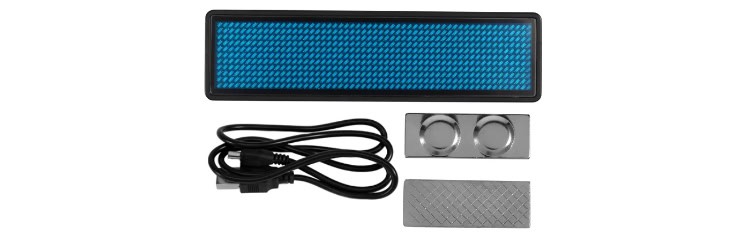
Package contents included with every Programmable Rechargeable LED Name Tag Badge.
- Programmable LED Name Badge
- USB-C Programming and Charging Cable
- Magnet Attachment
Programmable Rechargeable LED Name Tag Badge
- Product Code: LED-BADGE-44X11
- Availability: In Stock
-
$15.00 USD